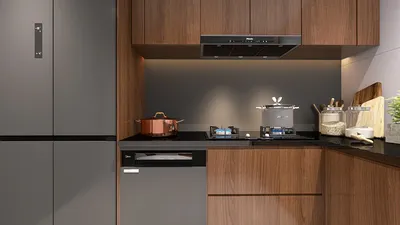


Transforming a 2D floor plan into a dynamic 3D visualization can significantly enhance your design presentations and aid in space visualization. This guide outlines the essential steps for converting a standard floor plan into a vibrant 3D model. Whether you're an interior design professional or an enthusiastic hobbyist, mastering this skill can significantly elevate your design portfolio.
Grasping the Fundamentals of 3D Floor Plans
A 3D floor plan delivers a comprehensive three-dimensional perspective of a space, highlighting dimensions and layout aspects that a typical 2D layout fails to convey. Prior to using Photoshop, make sure you have a well-prepared 2D drawing. You can utilize online platforms like Homestyler for effective floor planning.
Step-by-Step Guide to Crafting a 3D Floor Plan
1. Import Your 2D Floor Plan: Start by launching Photoshop and bringing in your 2D floor plan image. Select the areas you wish to transform into 3D using the Polygonal Lasso Tool.
2. Create Layers: Duplicate your original 2D floor plan layer. Use the Transform Tool (Ctrl + T) to pull walls upwards, enabling them to achieve height.
3. Add Textures and Colors: Enhance the walls and floors with textures and colors. You might find inspiration using the Homestyler platform to discover a multitude of materials.
4. Lighting and Shadows: Improve the realism of your design by incorporating shadows and fine-tuning lighting through Layer Styles options. This will add depth to your overall project.
5. Final Touches: Include furniture and decorative items in your 3D floor plan by employing images or 3D models. Do not forget to draw inspiration from the Homestyler Interior Designer as well.
Tips for Refining Your 3D Floor Plan
Utilize high-resolution images for textures and maintain consistent lighting throughout your design. Try out various angles to identify the most attractive perspective for your presentation. Your ultimate aim should be to design a space that is both welcoming and functional.
FAQ
Q: Are free tools available for creating 3D floor plans? A: Absolutely! There are numerous free and paid online tools available. Homestyler is one such platform that provides various design resources to streamline your efforts.
Q: Do I need 3D modeling skills? A: While having experience in 3D modeling is advantageous, a basic understanding of Photoshop can be adequate for designing simple 3D floor plans.
Welcome to Using Free 3D Floor Planner

Japanese Floor TableSmall Coffee Table & Tea Table
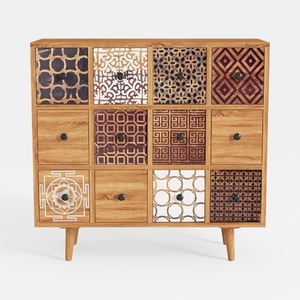
Best Choice Products 9-Cube Storage Organizer

50*43" Oversized Chenille Single Sofa Chair,Wide
Homestyler is your go-to online design platform! With its user-friendly design tool, stunning 3D renderings, and a wealth of interior decoration projects and video tutorials, transforming your home has never been easier. Unleash your creativity and bring your vision to life with Homestyler!
Projete agora para LIVRE
































