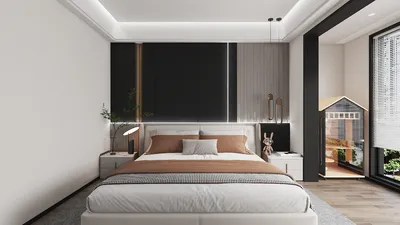
Creating a stunning 3D light model is crucial for developing immersive interior spaces. This not only sets the right ambiance but also significantly improves the visual appeal of your design. Have you ever found it challenging to present lighting effectively within your virtual environment? Let’s explore the art of crafting engaging 3D light models!
Grasping Different Types of Light:
When designing light 3D models, understanding the various types of lighting—such as ambient, directional, and point lights—is essential. Have you considered how each type influences the mood of your space? Ambient lighting provides overall illumination, while directional lighting helps in creating shadows and emphasizing focal points.
Point lights, on the other hand, introduce a touch of elegance and warmth into a scene. Think of your favorite environment—does it utilize soft ambient light or bright fluorescent fixtures? Selecting the right lighting type can transform your design dramatically.
Steps for Effective Light Modeling in 3D:
1. Selecting the Right Software: There is a wide range of tools available for crafting 3D models. Which software do you prefer? Each program has unique capabilities to effectively manage lighting functionality.
2. Properly Arranging Light Sources: Positioning matters greatly! Carefully place your virtual lights within the model. Could altering their angle create a different atmosphere?
3. Rendering Your 3D Model: Once your light sources and materials are in place, rendering will animate your model. Have you observed how light interacts with various surfaces in your design? This stage is crucial to achieve a lifelike appearance.
Exploring Textures and Materials:
The choice of textures and materials significantly influences how light is perceived in your model. Have you recognized how various surfaces, such as glass or wood, reflect light uniquely? Try experimenting with diverse materials to boost realism.
Utilizing textures that react well with light can produce visually stunning effects. What materials do you enjoy using in your designs? Sharing your experiences can help others enhance their modeling approaches!
Frequently Asked Questions
Q: Which software is best for light 3D modeling? A: Some popular options include Blender, SketchUp, and 3ds Max, each bringing distinct features for handling lighting.
Q: How can I enhance the realism of my light models? A: Experiment with shadows, reflections, and various light types; adjusting these components can significantly improve realism. Consider using Homestyler for its intuitive features to bring your designs to life.
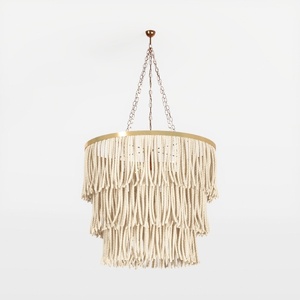
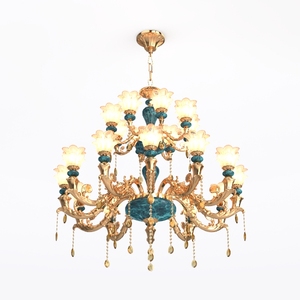
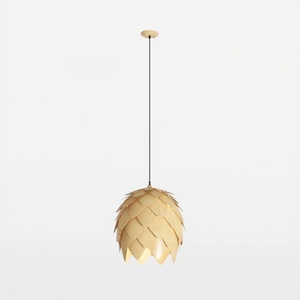
Looking to bring your home design ideas to life? Homestyler offers an intuitive online design tool and stunning 3D rendering to visualize your projects effortlessly. With inspiring design projects and easy-to-follow video tutorials, turning your dream space into reality has never been simpler!





















































