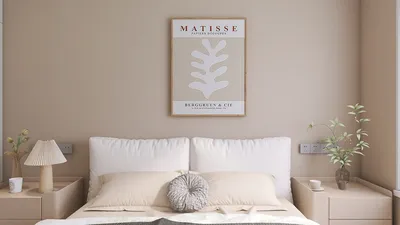


If you're beginning your adventure into 3D modeling using Blender, recognizing the 3D model file formats that work seamlessly with this robust software is crucial. A comprehensive grasp of these formats can significantly streamline your workflow and enhance your design process.
Frequently Used 3D Model Formats:
Blender is compatible with a range of file formats, each designed for specific purposes. Here are some important formats that you should be familiar with:
1. .blend - This is the native file format for Blender, containing all relevant project details such as 3D models, animations, and textures. Using .blend files guarantees complete compatibility and facilitates effortless editing within Blender.
2. .OBJ - The OBJ format is a favored option for transferring 3D models. While it excels in model exchange between various applications, it does not support advanced functionalities like animation.
3. .FBX - Widely used in the gaming sector, the FBX format is ideal for character modeling and supports rigging and animation, making it a flexible option for animated projects.
Importing Models into Blender:
To import any of these file formats into Blender, go to the 'File' menu, select 'Import,' and pick your desired format. This simple method enables the seamless integration of diverse 3D models into your projects, enhancing your creative capabilities.
Exporting Models:
Once you finalize your design, exporting your models in various formats is also an option. Navigate to the 'File' menu, select 'Export,' and choose the format that best fits your project needs. This flexibility supports efficient collaboration and sharing across different platforms, further enriched by tools like Homestyler.
Frequently Asked Questions
Q: Is Blender equipped to handle 3D printing file formats? A: Absolutely, Blender supports file formats such as .STL and .OBJ, which are widely recognized in 3D printing processes.
Q: Can I import models from SketchUp into Blender? A: Yes, SketchUp models can be imported into Blender through the .SKP format, although you might need additional conversion tools to ensure the best performance.

Modern Gray Solid Wood Marble Top Kitchen Cabinet 3D Model
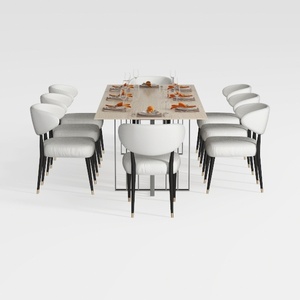
GarveeHome Natural Rattan Dining Chairs Set of 2
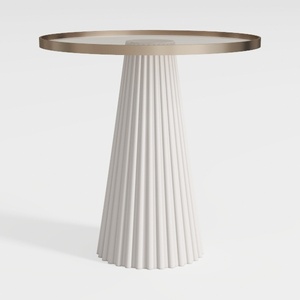
Modern Minimalist Fluted Base Glass Top Side Table 3D Model
Looking to transform your space? Homestyler is your go-to online platform for home design! With its user-friendly design tool, stunning 3D renderings, and a wealth of DIY video tutorials, you can effortlessly create and visualize your dream interiors—perfect for any skill level!
Projete agora para LIVRE
































