


Crafting a 3D floor plan model can significantly elevate your design concepts into a physical representation. Whether you're envisioning a new home or reimagining an existing environment, a 3D model allows for effective visualization of your ideas. This guide will provide you with essential steps to create an impressive 3D floor plan.
Step 1: Select the Appropriate Software
To begin your design journey, it's vital to choose user-friendly software such as Homestyler's Floor Planner. These applications offer intuitive interfaces and robust features that streamline the design process.
Step 2: Outline Your Floor Plan
Start by outlining a preliminary sketch of your floor plan. Take into account the dimensions and how the rooms are interconnected. This draft will serve as the basis for your 3D model.
Step 3: Incorporate Walls and Structures
With your selected software, begin to add walls according to your outline. It's crucial to input precise measurements to ensure accuracy. Don’t forget to integrate doors and windows at this point.
Step 4: Furnish Your Area
Now, breathe life into your floor plan by adding furniture and decorations. Take advantage of the extensive library available in the software, like that in Homestyler’s design features, to choose items that match your vision.
Step 5: Play with Colors and Textures
Incorporating colors and textures can dramatically improve the aesthetic appeal of your 3D model. Select a color scheme that reflects your preferences and apply various textures to both walls and flooring.
FAQ
What exactly is a 3D floor plan model? A 3D floor plan model provides a visual representation of a space, allowing you to explore the layout and design from a three-dimensional perspective.
Why should I utilize 3D modeling software? Utilizing 3D modeling software aids in visualizing your designs, simplifies adjustments, and enhances communication of ideas with clients or contractors.
Discover the Benefits of Using a Free 3D Floor Planner

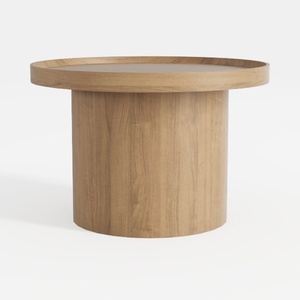
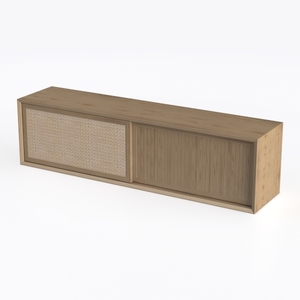
Transform your home with Homestyler! This user-friendly online design platform offers a powerful design tool, stunning 3D renderings, and a wealth of inspiring design projects. Plus, you'll find helpful DIY video tutorials to guide your creativity. Bring your vision to life effortlessly!
Projete agora para LIVRE
































