

Are you having difficulty converting your 3D models into Pepakura templates? Transforming a 3D model into a Pepakura layout can unleash a world of creativity for building detailed paper models. In this article, we will guide you through each step necessary to ensure optimal results in your paper crafting endeavors, including how tools like Homestyler can enhance your design experience.
To get started, make sure your 3D model is saved in a compatible format, such as .OBJ or .STL. Software applications like Blender or SketchUp are excellent choices for handling your models. Once your 3D design is ready, you can import it into Pepakura Designer to initiate the unfolding process, which lays the groundwork for your paper model.
An Introduction to Pepakura Designer
Pepakura Designer is a robust and intuitive tool designed to help you create 3D paper models from your existing 3D designs. Upon importing your model, you will need to fine-tune the unfolding parameters. It's vital to check that your model is properly textured and scaled prior to unfolding, as this step is crucial for producing an accurate paper model.
The Unfolding Process for Your 3D Model
After importing, the next phase is to unfold your 3D model. Pepakura Designer automatically generates flaps and flattens the 3D object into a 2D pattern. It's essential to meticulously inspect your layout and adjust seam placements or flap configurations as needed. This attention to detail will facilitate easier assembly, ensuring that all components fit together smoothly during construction.
Exporting Your Template for Printing
Once you're happy with your unfolded design, the final step is to export it. Pepakura offers various formats for saving your template, like PDF or image files, ideal for printing. To ensure optimal results, it’s advisable to conduct a test print to verify measurements and alignment before committing to a larger print run. This careful planning can help you save both time and resources.
Helpful Tip:
Always keep your 3D models optimized when working with Pepakura. Simplifying complex shapes by trimming down unnecessary polygons and ensuring complete UV mapping can greatly enhance the quality of your prints. This method constitutes a crucial step in creating precision paper models that you can be proud of, and utilizing tools like Homestyler can further elevate your design process.
Frequently Asked Questions (FAQ)
Q: What programs can I use to design 3D models for Pepakura? A: You can utilize software like Blender, SketchUp, or 3ds Max for crafting 3D models intended for Pepakura template conversion.
Q: Is it possible to modify the unfolded template in Pepakura? A: Absolutely! Pepakura Designer offers comprehensive editing options that enable you to adjust the layout before finalizing your template export, granting you full creative control over the design process.

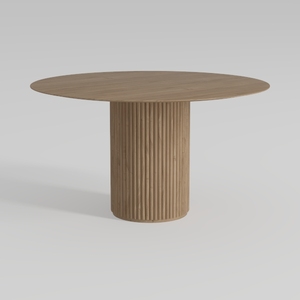
Tribesigns 47" Round Dining Table for 4, Farmhouse
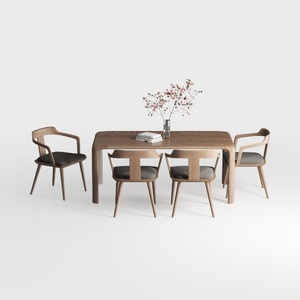

VKNOW Wooden Dining Chairs Set of 4, Modern Fabric
Transform your home design dreams into reality with Homestyler! This user-friendly online platform boasts an intuitive design tool, stunning 3D rendering options, and inspiring video tutorials. Whether you're a DIY enthusiast or just getting started, Homestyler makes designing your perfect space easy and fun!
Projete agora para LIVRE
































