

As technology evolves with innovations like the Apple iPhone 18 Pro, our living spaces must adapt to accommodate new ways of interacting with devices. Integrating smart furniture that supports wireless charging and seamless connectivity can enhance daily routines, creating a harmonious blend of cutting-edge technology and comfortable home environments that keep pace with modern lifestyles.
RoomGPT excels at transforming a photo of a room into an AI-enhanced redesign concept. Simply upload an image, select a design style, and within moments, receive a photorealistic visualization of how that space could appear. This tool is highly valuable for inspiration and early design ideation.
However, users often find themselves wondering, “What’s the next step after RoomGPT?” The gap between an AI-generated image and a practical room layout is substantial. This is where an online room planner becomes essential. This article explores RoomGPT's capabilities, its limitations, and when to utilize more comprehensive design tools such as Homestyler.
Understanding What RoomGPT Offers
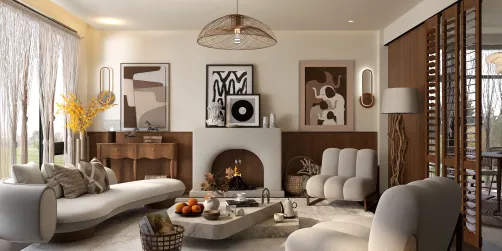
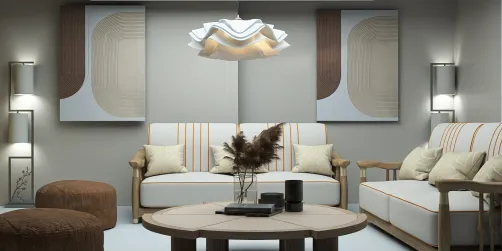
RoomGPT functions primarily as an AI-driven style transfer tool for interior photos. By submitting a photo and choosing from various styles like minimalist, Scandinavian, or industrial, the AI produces a visual reinterpretation of your room in that particular style.
The output is purely an image—a conceptual portrayal rather than a usable floor plan. It lacks knowledge of your room's dimensions and cannot verify if the depicted furniture arrangement is feasible in your actual space. It also does not generate product lists or contractor-ready plans.
As an inspiration resource, RoomGPT serves a similar purpose to a mood board, aiding visualization before committing to a design direction. It is not designed to assist with detailed layout planning or project execution.
Limitations of RoomGPT
The shortcomings of RoomGPT reflect its design rather than faults. Many frustrations arise from expecting capabilities that the tool does not offer.
1. Spatial Accuracy: RoomGPT does not generate floor plans and hence cannot account for real measurements, door placements, or structural elements, leading to potentially impractical furniture arrangements.
2. Real Product References: The furniture images are AI-generated and do not correspond to tangible items, making direct purchasing impossible through the tool.
3. Layout Iteration: While it can produce multiple style variations, RoomGPT cannot provide scalable layouts to assess furniture placement options accurately.
4. Collaboration and Sharing: Outputs are static images without interactive project files or features that facilitate teamwork with designers or contractors.
5. Execution Path: RoomGPT’s designs do not include actionable steps or plans to realize the concepts in physical space, limiting its use to inspiration only.
Comparing RoomGPT with Professional Room Planners
These tools complement different phases of the design journey. RoomGPT aids in discovering aesthetic directions, while professional planners excel in feasibility and implementation.
When to Use RoomGPT
RoomGPT is ideal as a mood board or concept generator for early-stage brainstorming. Use it to identify potential design styles but not to finalize room layouts.
When to Transition to a Room Planner Like Homestyler
When spatial constraints or detailed planning matters, it’s important to move beyond conceptual images.
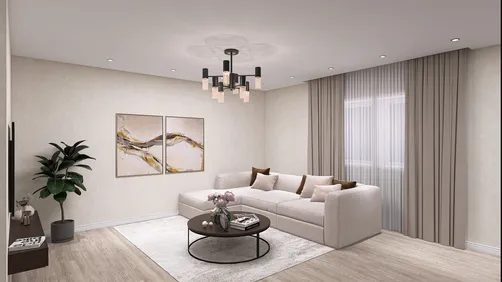
For example, an AI-generated image of a living room with a large sectional sofa won’t confirm if your actual room can accommodate such a piece. This is where a more robust tool like Homestyler, which enables room dimension accuracy and furniture placement validation, becomes essential.
The Ideal Workflow: From RoomGPT to Homestyler
A practical approach involves leveraging RoomGPT for initial inspiration and then using Homestyler for detailed planning:
Stage 1 — Inspiration (RoomGPT): Upload photos, explore styles rapidly, and determine a preferred look. This step is quick and cost-free.
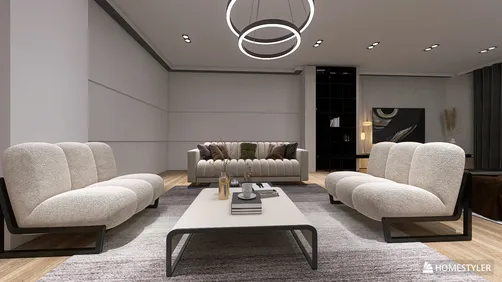
Stage 2 — Planning ( Homestyler): Utilize the chosen style to create accurate room layouts in Homestyler. Input exact measurements, select furniture from extensive catalogs, inspect clearances and traffic flow, and produce photorealistic renders of your actual space rather than generic AI-generated images.
This combination harnesses each technology’s strengths: RoomGPT sparks creativity, and Homestyler enables practical design and execution.
Alternatives to RoomGPT: What to Consider
Define your needs before comparing tools:
- For superior AI image generation with more styles and resolution, tools like Midjourney or Adobe Firefly may be preferred, although they lack spatial awareness.
- For AI-assisted room planning, Homestyler offers spatially aware layouts with real furniture products, unlike image-only generators.
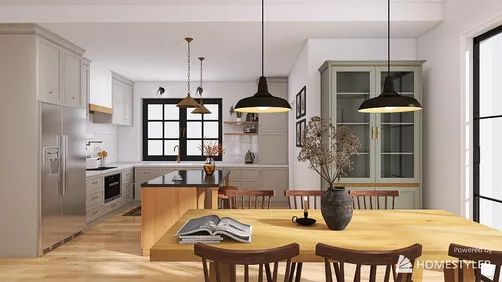
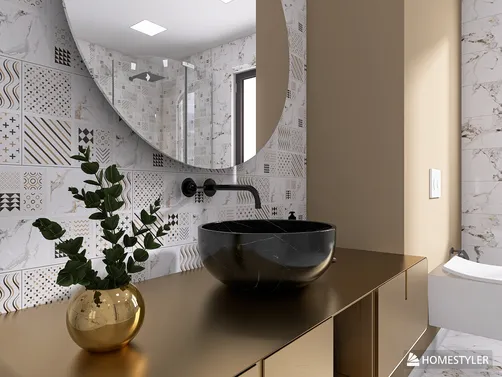
- For photorealistic renders with precise room modeling, cloud-based platforms like Homestyler provide renders true to room dimensions and furniture arrangement.
Key Features of Homestyler’s AI Room Planner
Homestyler goes beyond mere style transfer by incorporating:
- AI Floor Plan Generation: Users can draw or import room outlines and receive multiple furnished layouts scaled accurately, using actual furniture from vast catalogs.
- AI Style Matching: Homestyler recommends furniture and materials matching your selected aesthetic, merging style inspiration with functional planning.
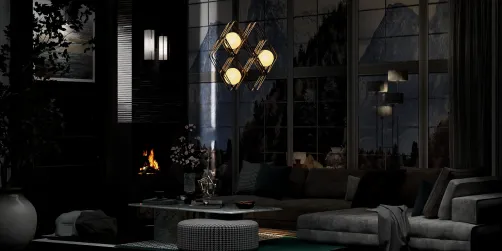
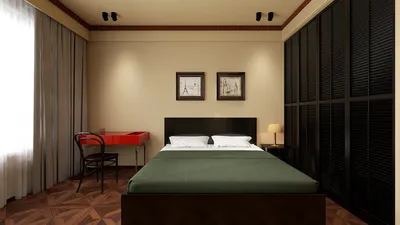
- Cloud Rendering: Generate high-definition, photorealistic images of your planned room, reflecting the precise design choices and spatial configurations.
In contrast to RoomGPT, which offers conceptual images, Homestyler delivers actionable designs specifying exact furniture placement in your real environment.
Frequently Asked Questions
What is RoomGPT? It’s an AI-powered tool for redesigning room photos in various styles, primarily for visualization and inspiration rather than precise planning.
Is RoomGPT free? It offers a free tier with limited usage and paid plans for extended access, suitable for initial experimentation.
What alternatives exist? For image generation, tools like Midjourney or Adobe Firefly. For detailed planning with spatial accuracy, Homestyler, Planner 5D, or RoomSketcher excel. Homestyler, in particular, stands out for combining AI assistance with extensive catalogs and rendering.
Can RoomGPT verify furniture fit? No. Its outputs disregard real room dimensions, so a dedicated planner like Homestyler is necessary to ensure furniture compatibility.
What differentiates an AI photo tool from an AI room planner? AI photo tools modify images stylistically, while AI room planners like Homestyler leverage room dimensions, clearances, and scalable layouts to create functional designs.
Is there a free AI room planner with floor planning? Yes, Homestyler offers a free plan featuring AI layout generation, an extensive furniture catalog, precise floor planning, and cloud photorealistic rendering—all accessible from a web browser without downloads.
Built on technology originally developed at Autodesk, Homestyler empowers anyone to design beautiful, realistic spaces in minutes. Join over 20+ million registered users (platform data, 2026) who have already discovered a smarter way to plan, visualize, and bring their dream homes to life — all from the comfort of a browser.

Modern Black Leather Wooden Base Sofa 3D Model

Minimalist Black Leather Irregular Sectional Sofa 3D Model

Vintage Brown Leather Three Seater Sofa with Metal Legs 3D Model
Homestyler offers an easy-to-use online home design tool with stunning 3D renderings, inspiring design projects, and helpful video tutorials—perfect for anyone wanting to create and visualize their dream space effortlessly.
Projete agora para LIVRE