Click "Customize-Interior Modeling 2.0" and select the room to enter the Interior Modeling 2.0 interface. Click "Save" in the toolbar above to save the the customized model.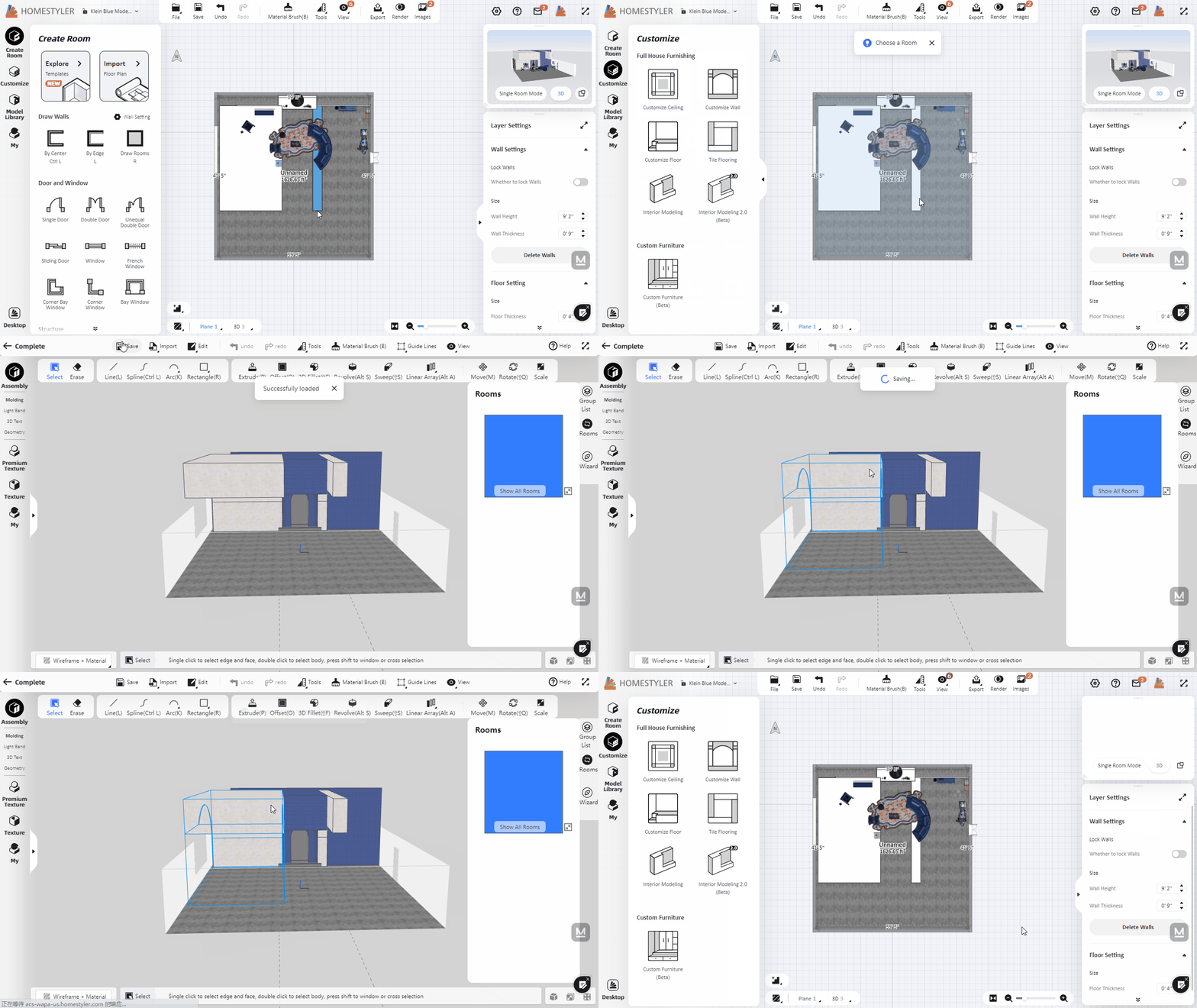

Where is it saved and how to I load it into my next project?

Click "Customize-Interior Modeling 2.0" and select the room to enter the Interior Modeling 2.0 interface. Click "Save" in the toolbar above to save the the customized model.
