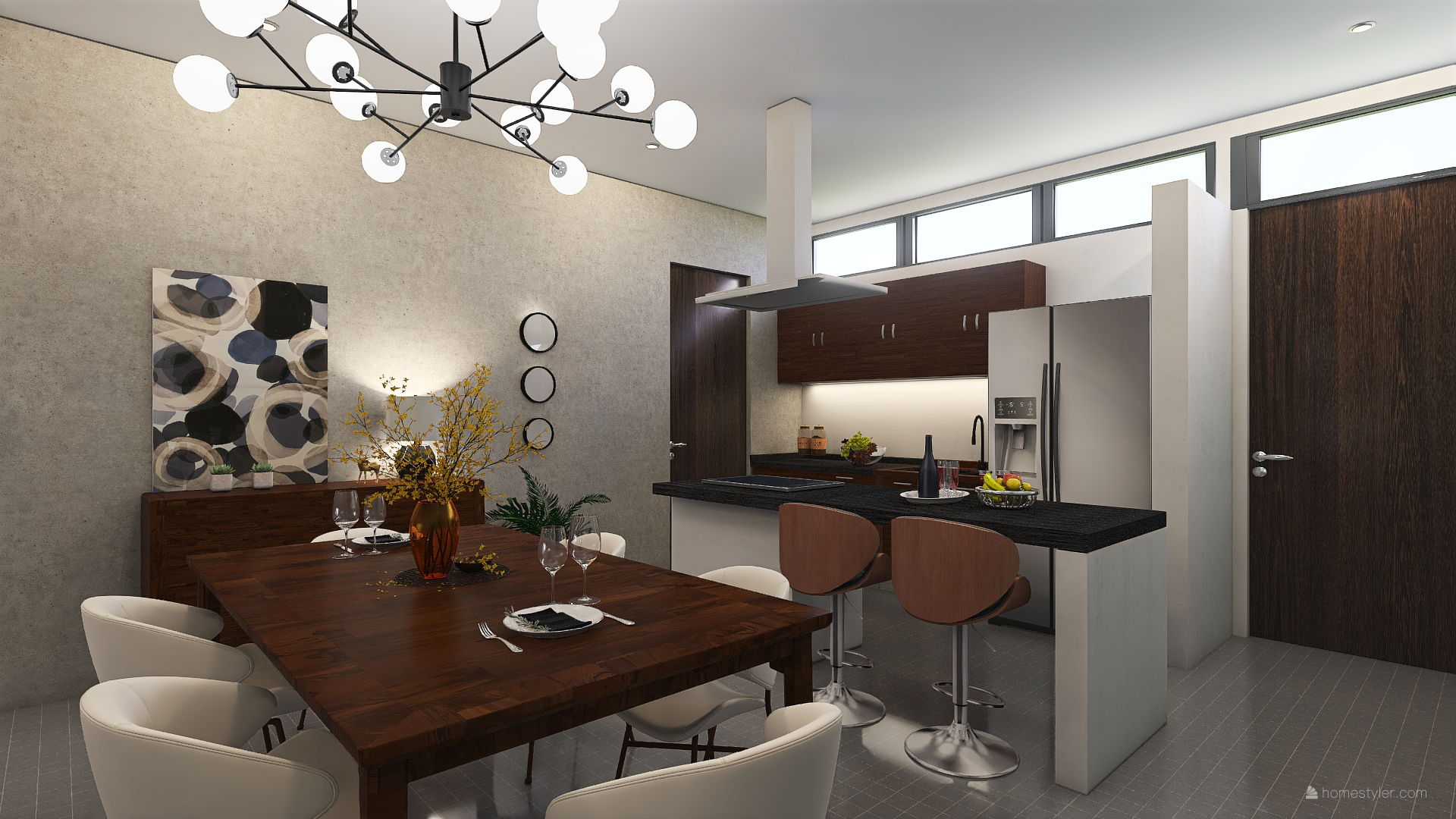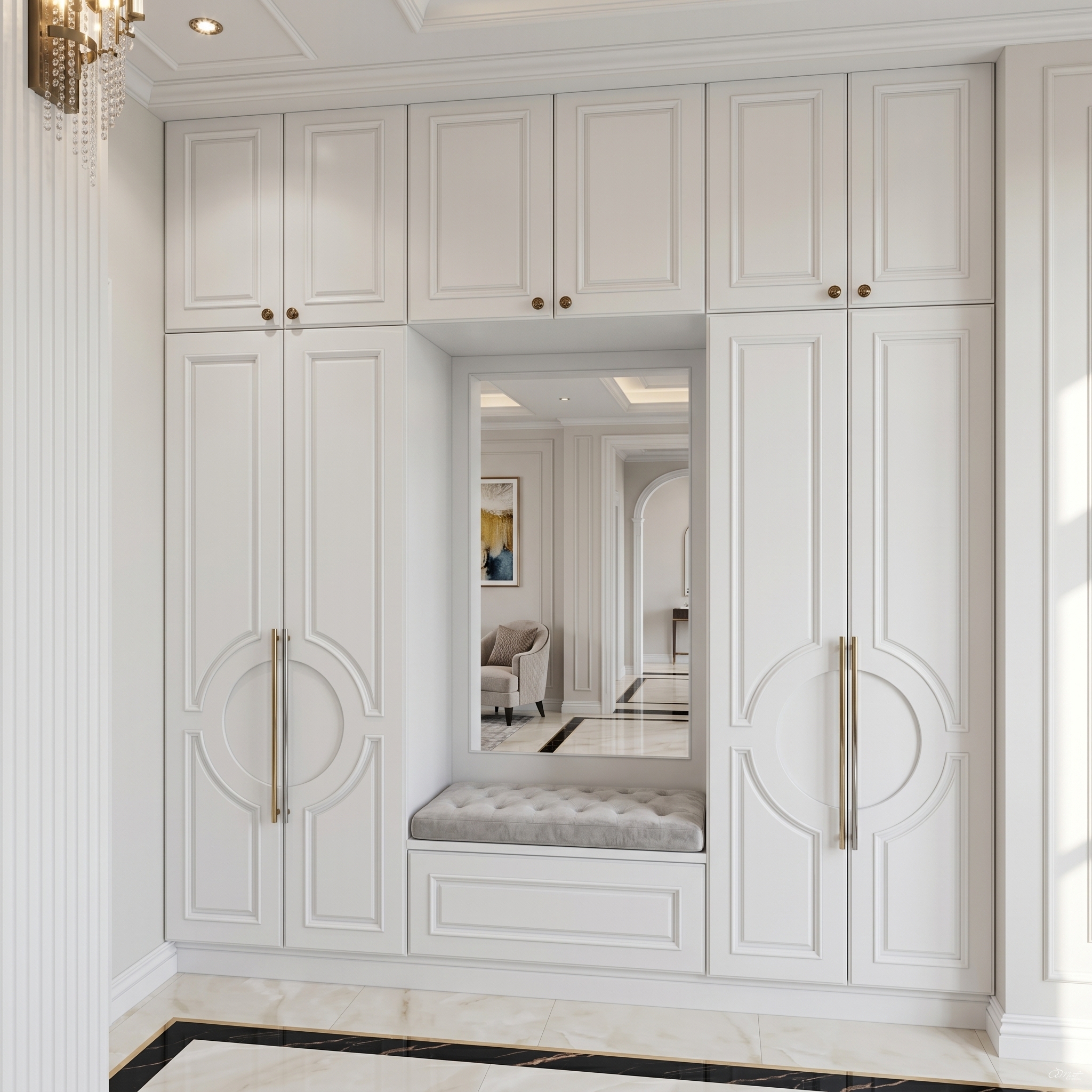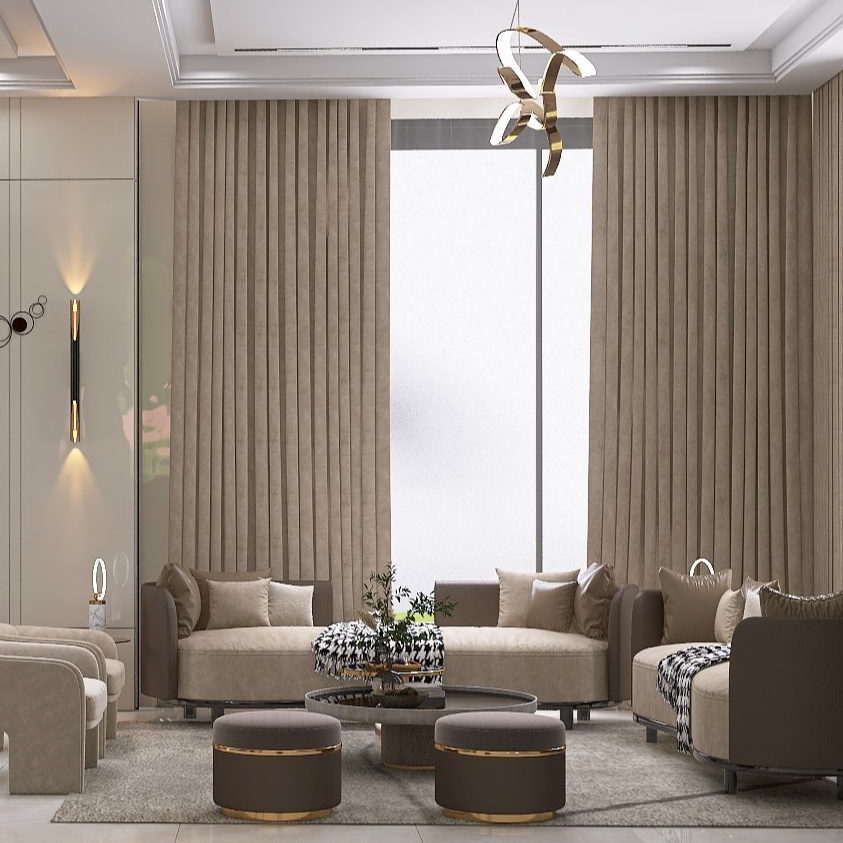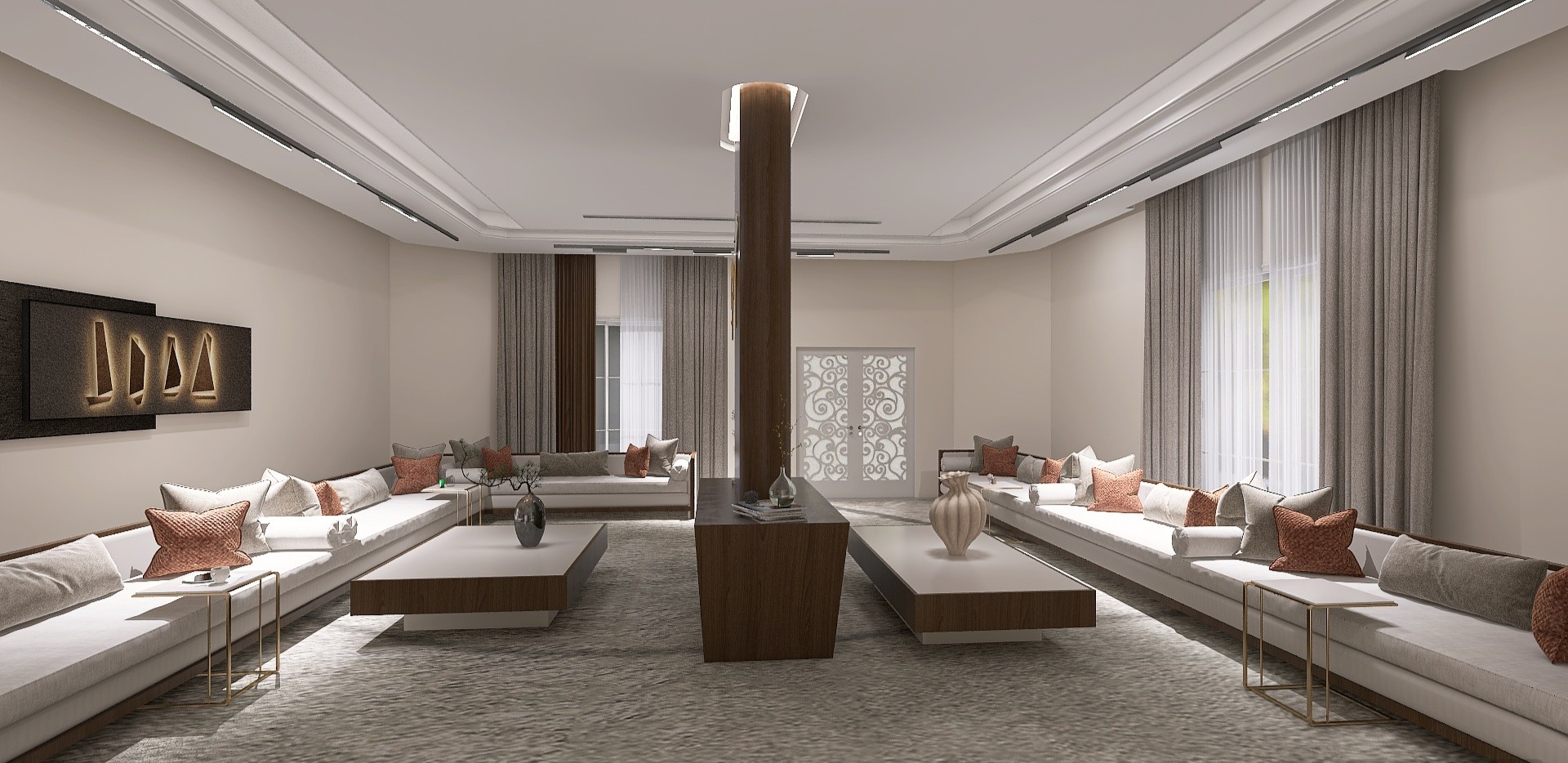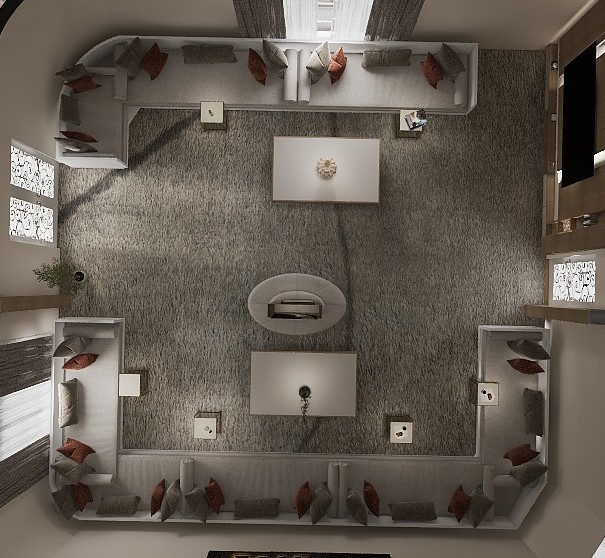
Welcome to Homestyler Bootcamp Vol. 3! 🚀
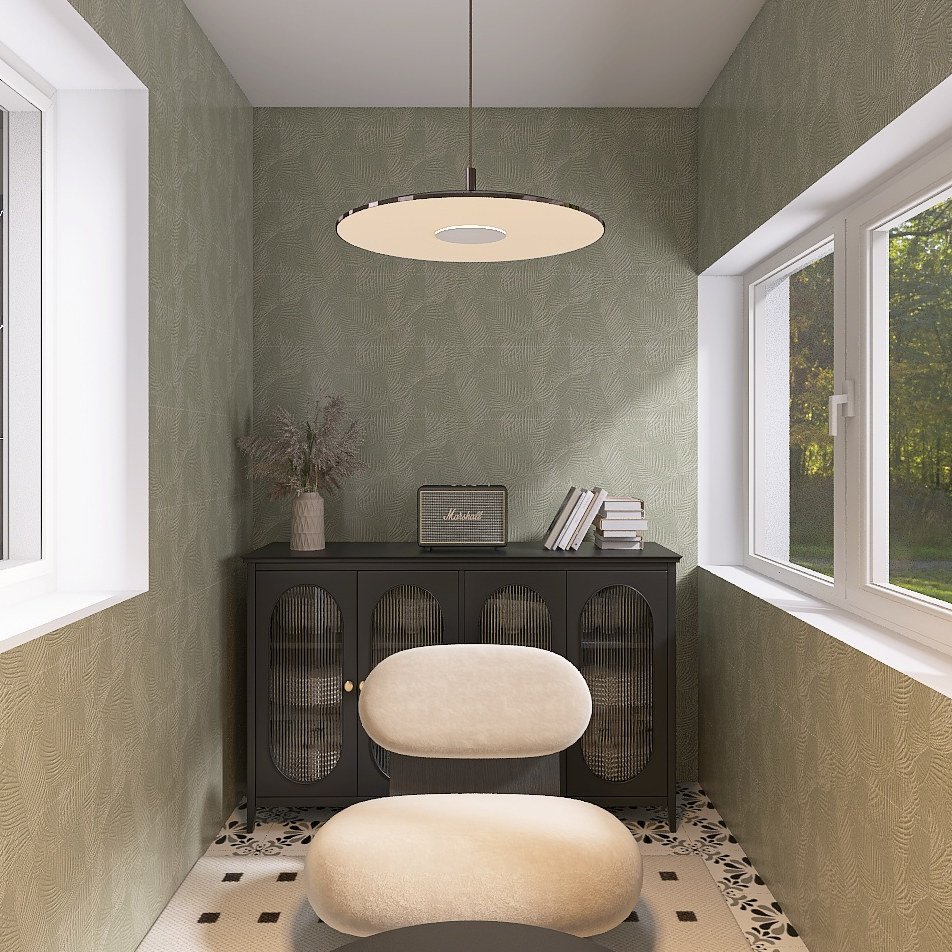
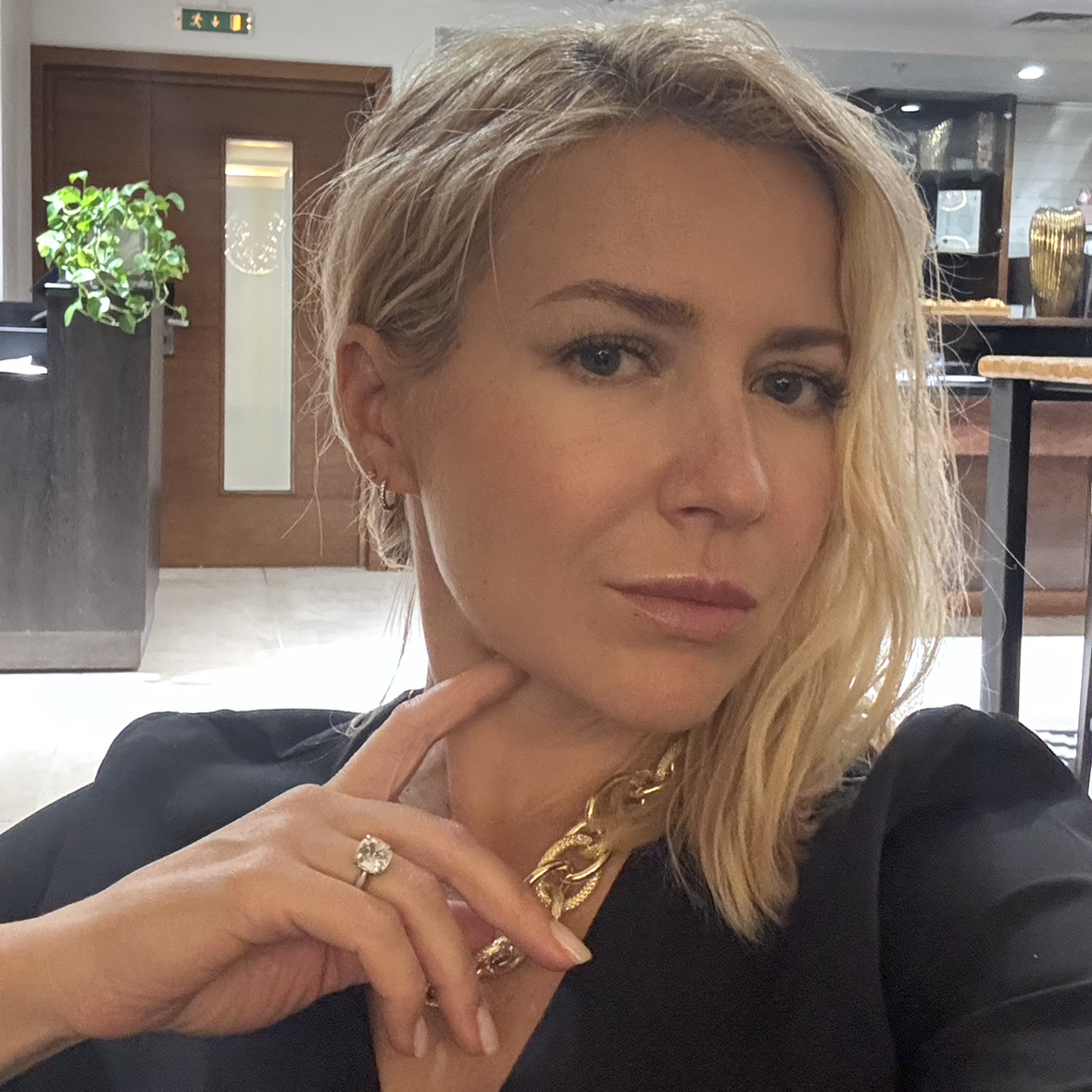
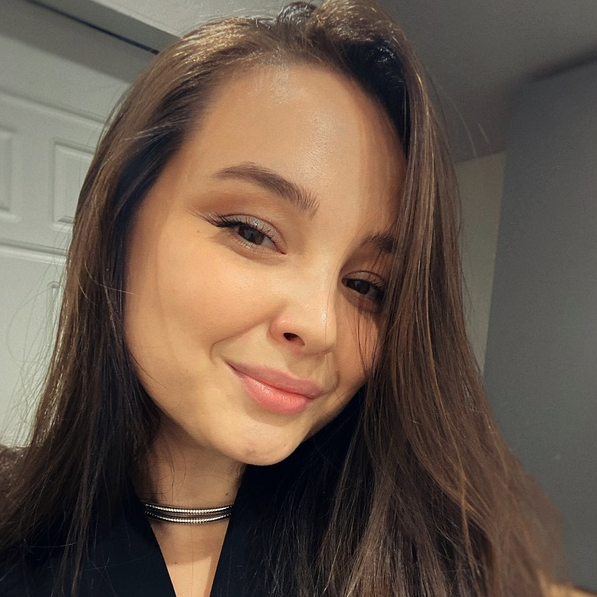
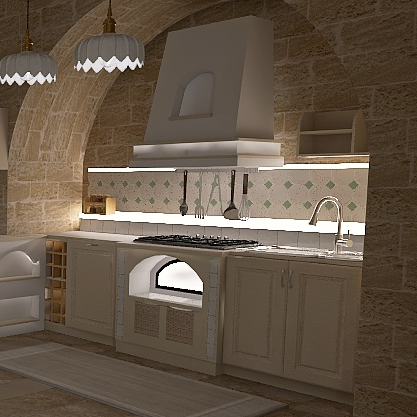
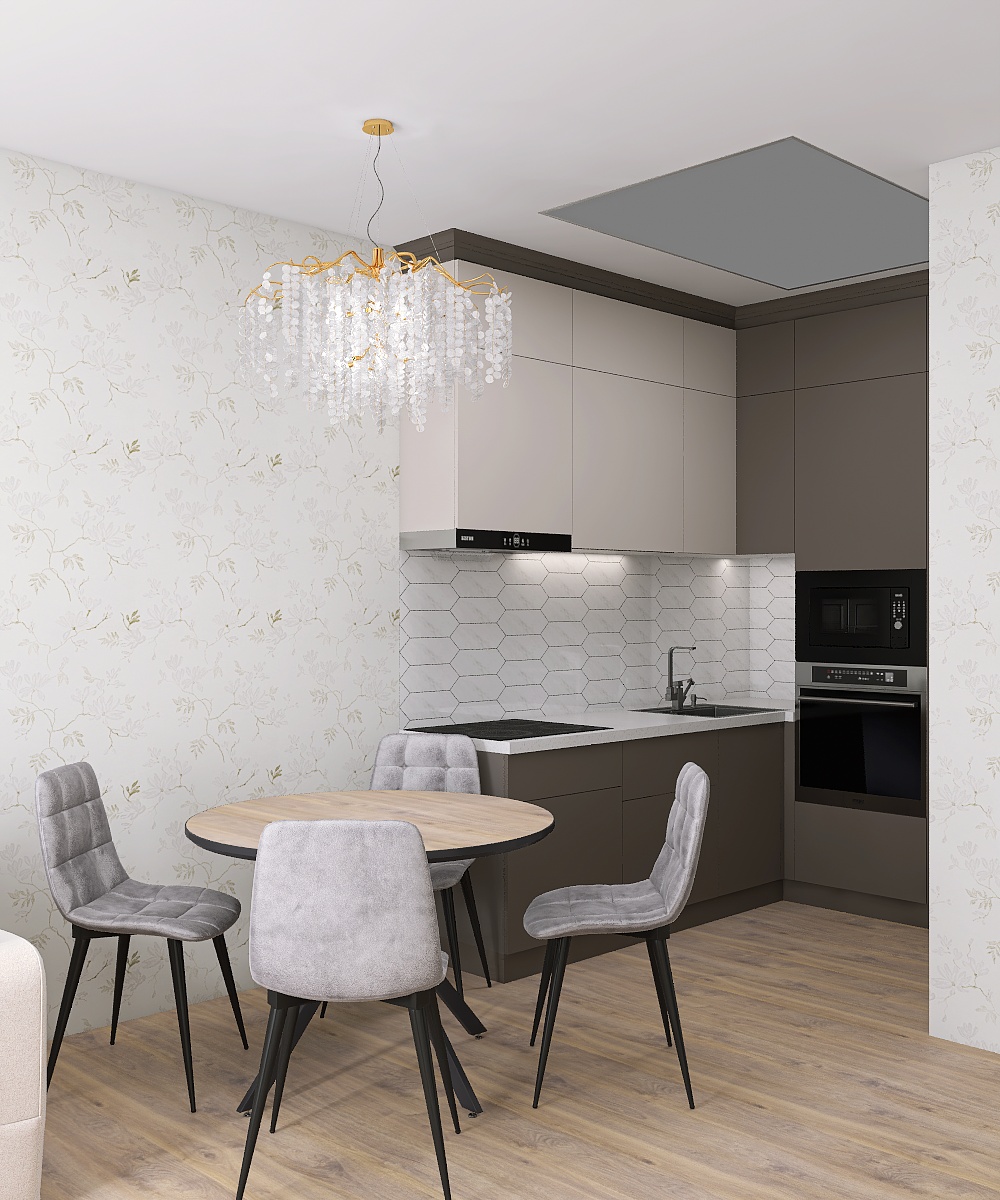
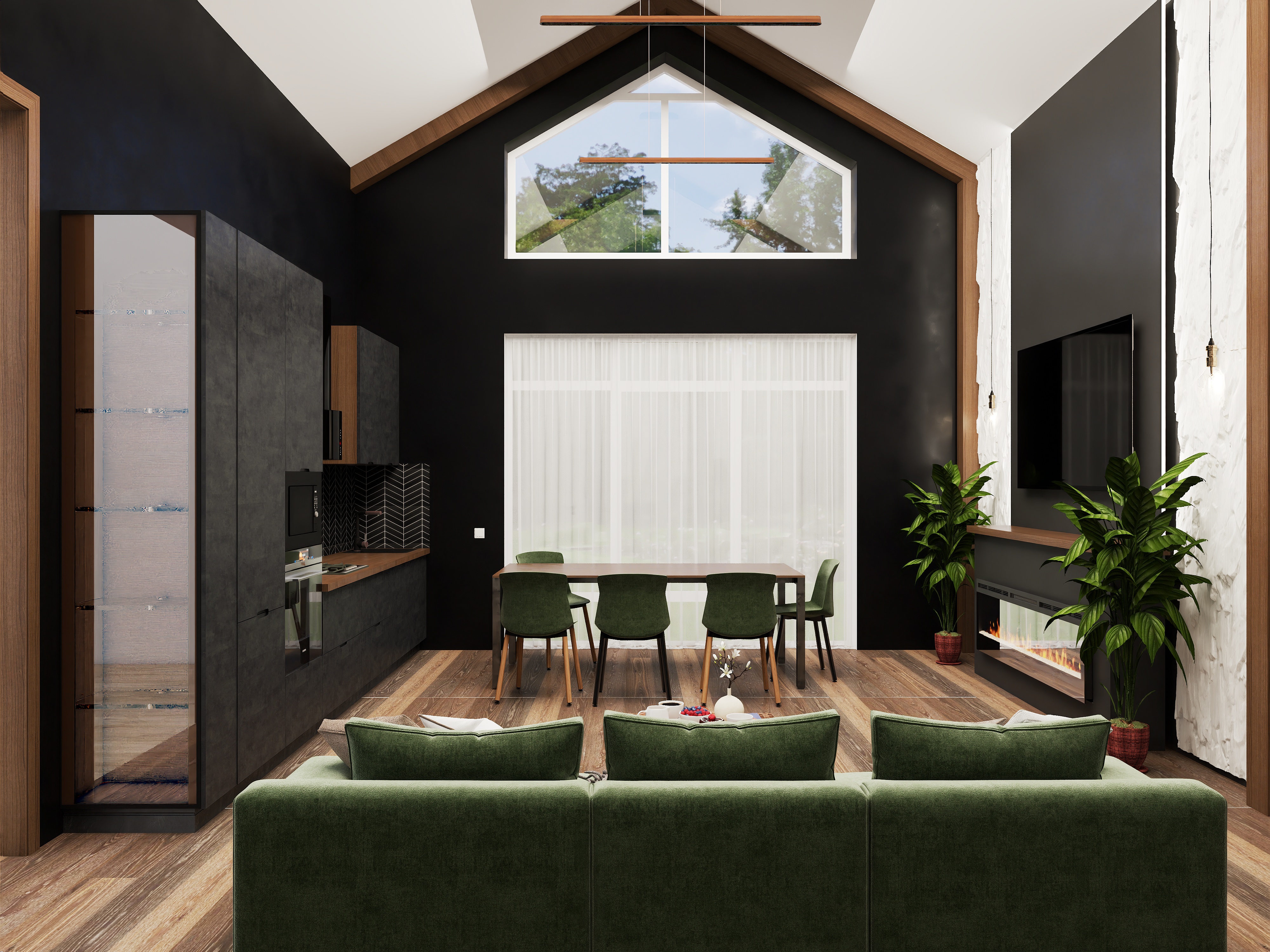
In this video, we will introduce our new feature, AI Texturer, which allows you to seamlessly generate high-quality 3D materials from uploaded images.
This tutorial will guide you through three simple steps to create your custom materials: uploading an image and selecting the target area, setting the texture dimensions, and clicking generate. Once processed, your generated textures will automatically sync to "My - AI Result - AI Texturer" in the 3D tool for direct application.
👉 Try Homestyler for Free: https://www.homestyler.com/
🔔 Subscribe to us for more 3D design tutorials! https://www.youtube.com/@Homestyler3D