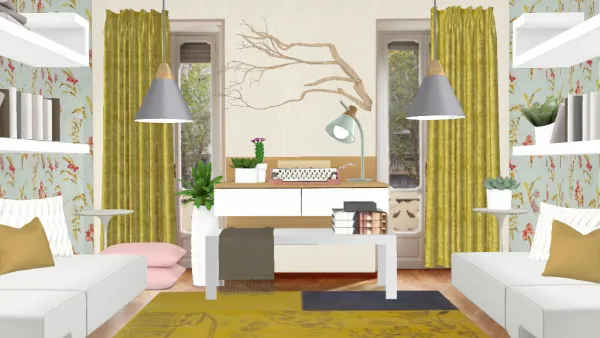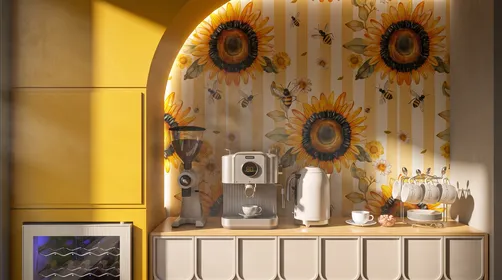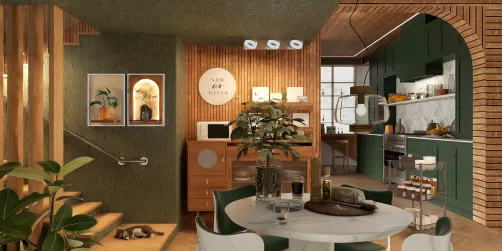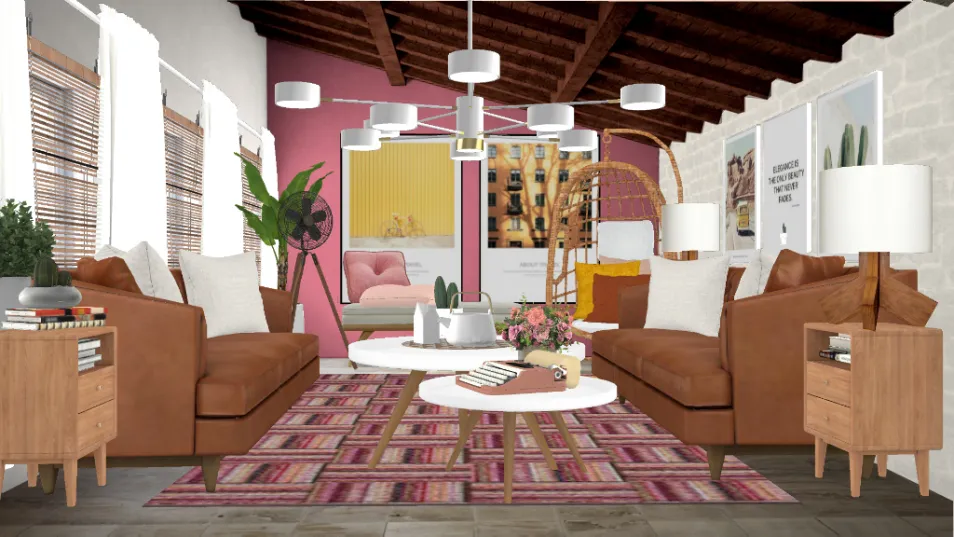
There are several little tricks that you can use to be able to take advantage of the HomeStyler App. A lot of you know them but, I didn't at first. When I finally figured some of them out, my designs were able to reach better strengths. I'd like to share, for those of you whom are wondering... If you know of any other tricks you'd like to share, please post them in the comments! Here are 5 beginner tricks that I use in every design! 1. Push an object into another to blend them or add something extra, make plants look more lush, make glass appear more prominent, etc. 2. Use a mask to push it through a blank picture, it will reveal the image. You'll have to get it perfectly inside the picture by playing with it a little. 3. If curtains, pictures or other objects are "stuck" on the wall and you want to turn it to straighten it with the wall or other object, turn the object to the desired angle, press your blue tool button while the object is still highlighted, then press the duplicate button and delete the duplicate if not needed. It will leave your object in the desired location. 4. If you are looking for extra items that aren't listed in the inventory options (seating, tables, etc.), press the search button and search for things like "decor", "mirror", "table", "chair", "sofa". Notice there are no plurals! You'll discover things that you might have never seen in the app before! 5. You can screen shoot your design to photoshop it or add extra objects. If you want to add a vanity but, it has a mirror attached that you don't want, put masks over the mirrors/objects you don't want. Save your design, screen shoot it, and open it in a good photoshop program (I use LightX). Adjust your image however you want, or not at all but, just save it to your device. Open HomeStyler and select your own room, select the photoshopped design and now you can add any mirror, photo, or object you want without the object getting lost behind the masks you added or picture, as well.